Why AI Matters in Design
Artificial Intelligence (AI) is not just a tech buzzword anymore — it’s a creative revolution. Designers are now using AI to automate boring tasks, generate unique ideas, and refine visuals faster than ever. In 2025, AI is expected to power over 60% of professional design workflows.
Whether you’re a graphic designer, UI/UX specialist, or content creator, knowing the right AI tools gives you a competitive edge.
2. Top 5 AI Tools Every Designer Should Know
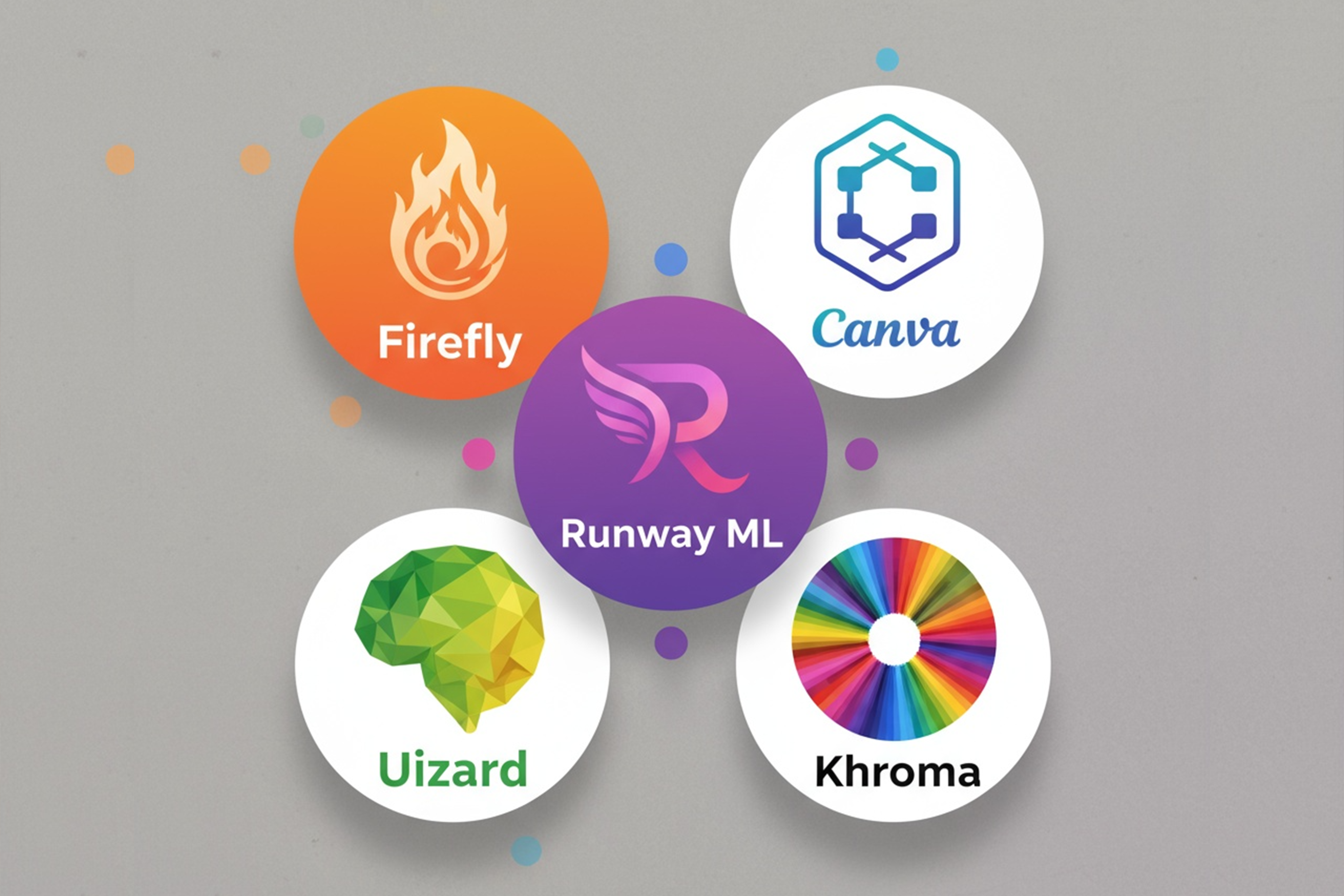
| Rank | Tool Name | Key Features | Pricing (as of 2025) |
|---|---|---|---|
| 1 | Adobe Firefly | Text-to-image generation, content-aware fill, vector generation | Free (Adobe Beta) / Included in Creative Cloud |
| 2 | Canva Magic Studio | AI layout suggestions, Magic Write, Image Enhancer | Free + Pro ₹499/mo |
| 3 | Runway ML | Video editing with AI, background removal, motion tracking | Free plan + Pro $12 / mo |
| 4 | Khroma AI | Generates color palettes based on your style | Free |
| 5 | Uizard | Turns hand-drawn sketches into UI mockups instantly | Free + Premium tiers |
3. How to Use AI in Your Design Workflow (Practical Steps)
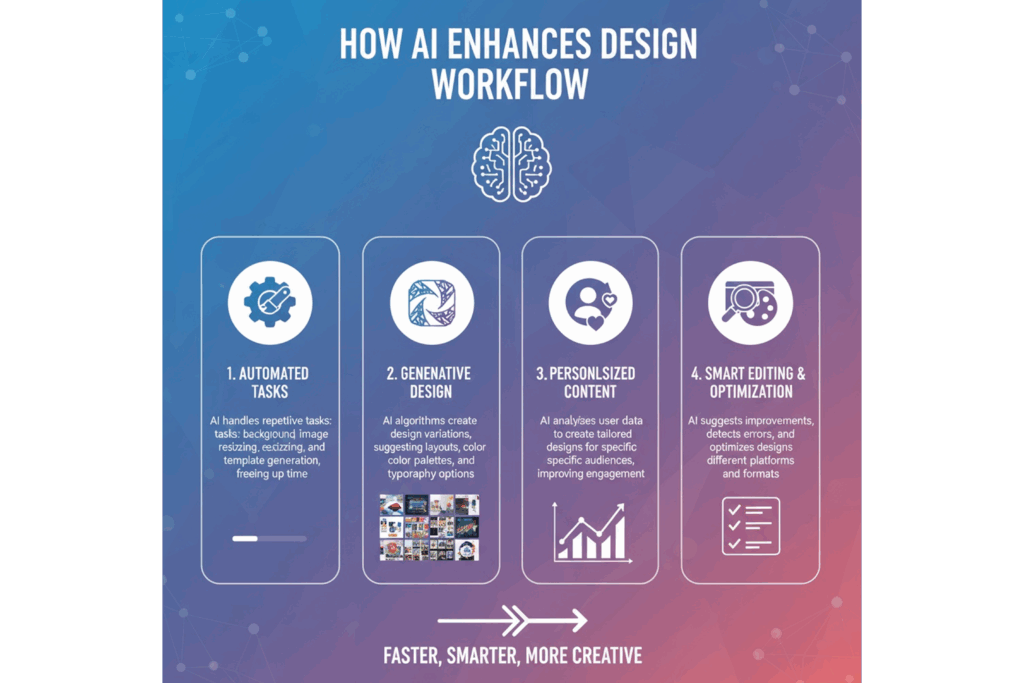
- Ideation Stage: Use ChatGPT or Uizard to generate mockups and concepts.
- Design Stage: Switch to Canva Magic Studio or Adobe Firefly for asset generation.
- Editing Stage: Runway ML can enhance images or videos using smart AI filters.
- Color and Consistency: Use Khroma to maintain brand consistency with AI-curated palettes.
- Final Optimization: Compress and export images with TinyPNG or ImageOptim to reduce loading times.
4. Pro Tips for Designers
✅ Combine AI + human creativity — never rely solely on AI.
✅ Use AI for inspiration, not replacement.
✅ Keep learning new AI tools — design tech changes monthly.
5. Frequently Asked Questions
Q1: Are AI tools replacing designers?
👉 No. AI assists with automation and speed but can’t replace original creativity and human aesthetics.
Q2: Do these tools require coding knowledge?
👉 Not at all. Most modern AI design tools are drag-and-drop with no-code interfaces.
Q3: Can AI-generated designs be used for commercial projects?
👉 Yes — if the tool provides commercial use rights (e.g., Canva Pro, Adobe Firefly).
Q4: Which AI tool is best for beginners?
👉 Canva Magic Studio — it’s easy to use and requires no technical skills.
6. Conclusion
AI is reshaping the design world — faster concepts, smarter edits, and endless creative possibilities.
As a designer, embracing AI today means you’ll be future-ready tomorrow.
💡 Pro Tip: Bookmark and try one new AI tool each week — within a month, you’ll see a visible upgrade in your workflow.
0 Comments
Trackbacks/Pingbacks