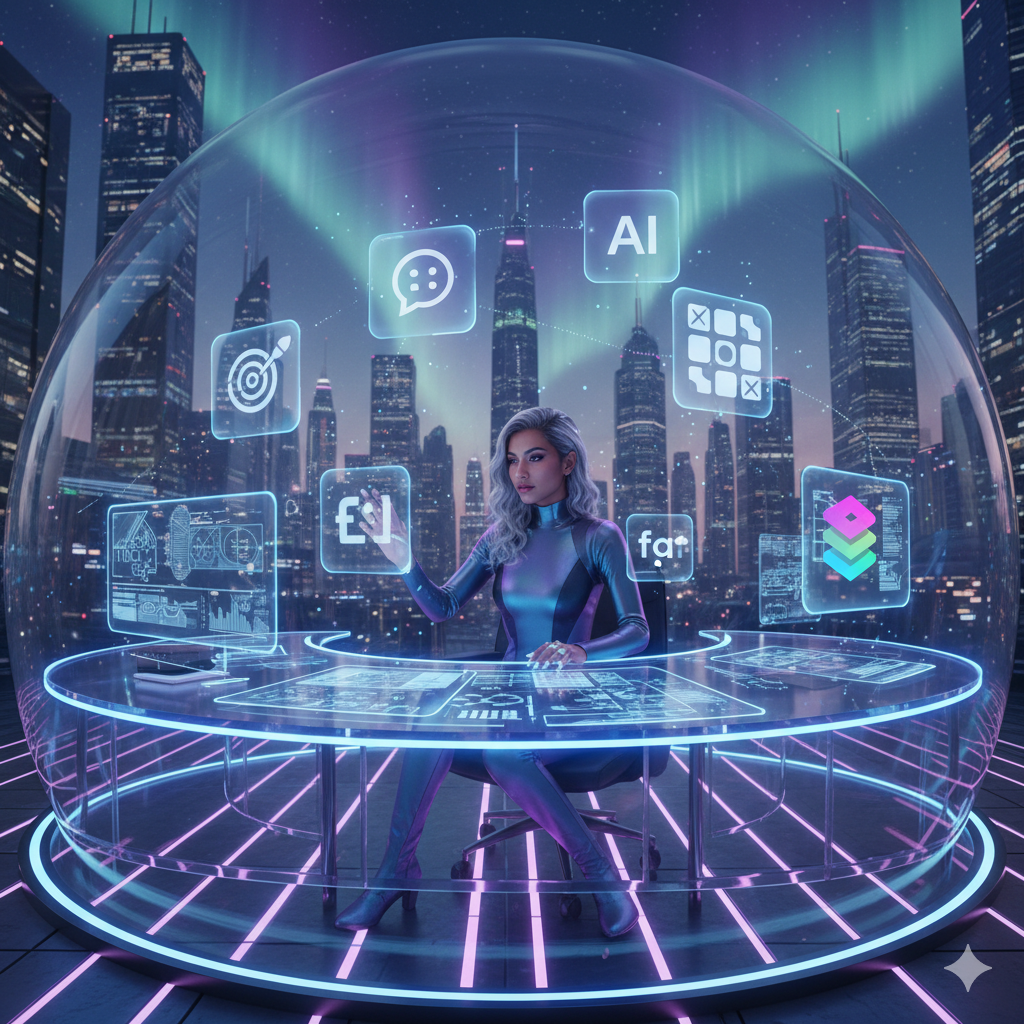
The Rise of AI-Powered Design
Design is evolving faster than ever. By 2026, artificial intelligence won’t just assist designers — it will co-create with them. From generating layouts to automating workflows, AI tools are helping creative professionals focus more on ideas and less on repetitive tasks.
If you want to stay ahead in this creative revolution, here are the Top 10 AI tools every designer should master in 2026.
1. Figma AI (Design Assistant)
Category: UI/UX Design
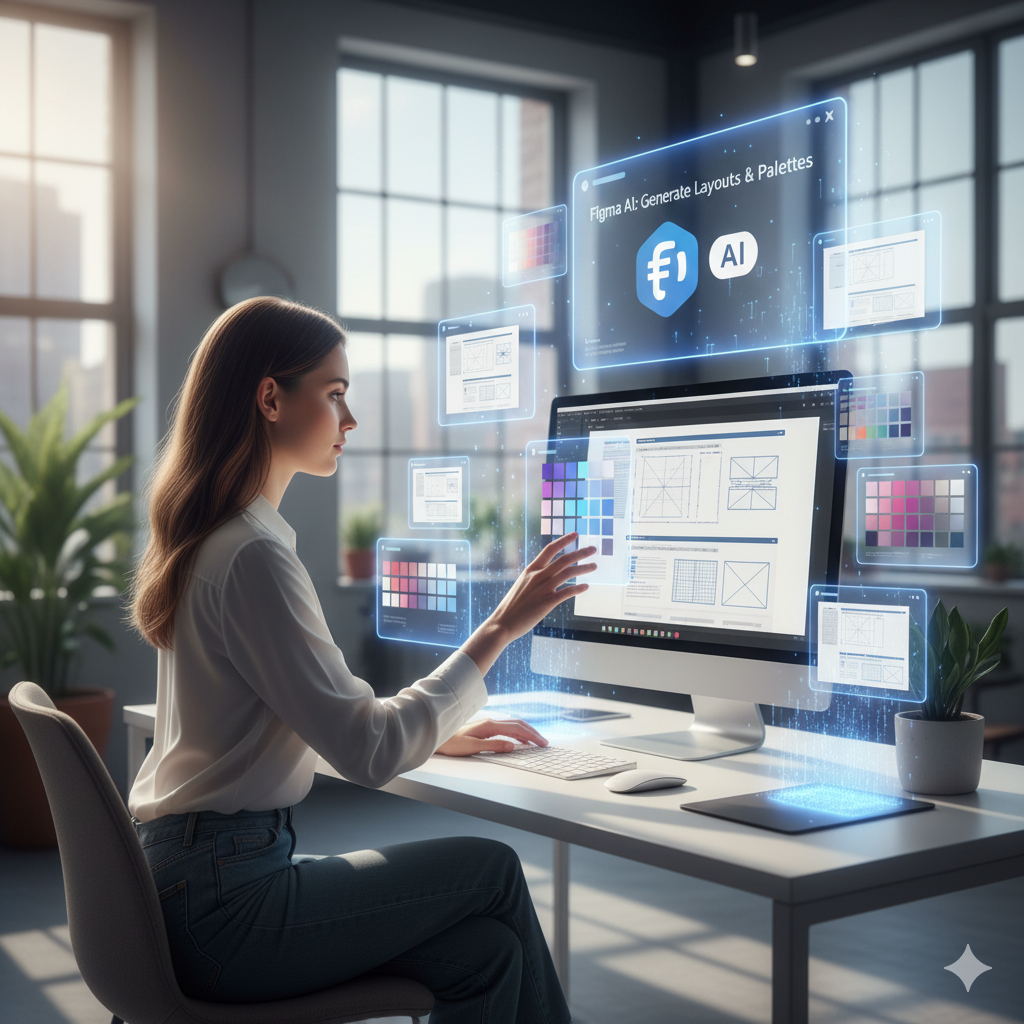
Figma’s AI update in 2026 is like having a digital design partner. It can auto-generate wireframes, color palettes, and even responsive layouts based on your project brief. Perfect for designers who value speed and precision.
🧠 Pro Tip: Use “Prompt to Prototype” to instantly visualize your design concepts.
2. Midjourney V8
Category: Concept Art & Illustration
Midjourney’s new 2026 engine can generate ultra-detailed visuals with precise lighting, composition, and camera angles. Designers now use it to ideate brand visuals, packaging, and even cinematic storyboards.
🎨 Try prompt blending for dynamic results — e.g., “modern UI x futuristic 3D.”
3. Adobe Firefly 3
Category: Creative Suite (Photoshop, Illustrator, Premiere)
Adobe’s Firefly 3 in 2026 brings real-time generative fill, AI-based motion tracking, and typography enhancement. You can now animate still designs with voice commands or text inputs.
🧩 External link: Learn more about Adobe Firefly
4. Runway Gen-3 Alpha
Category: Motion Graphics & Video Design
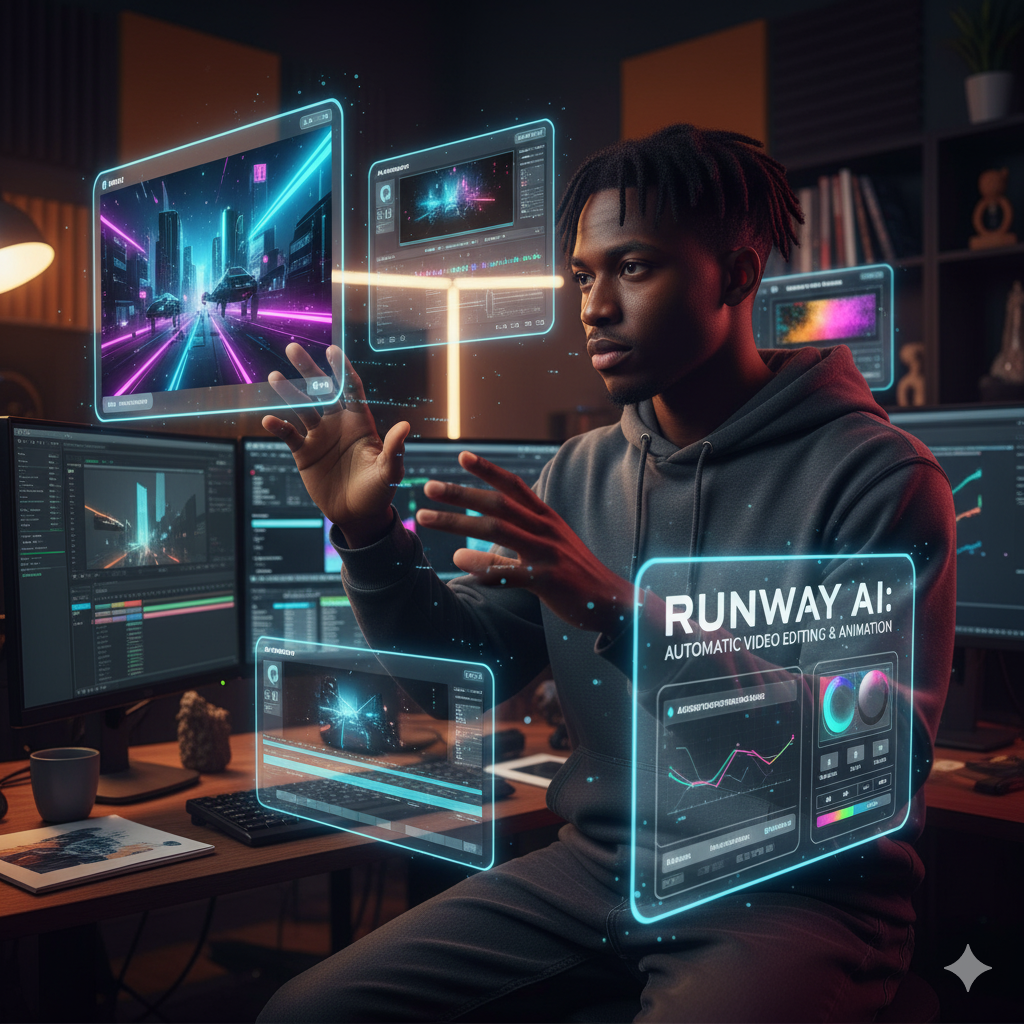
Runway’s 2026 version introduces scene-level video editing and realistic AI motion animation. Perfect for designers making short-form reels, brand videos, or product explainers.
🎬 Imagine animating your illustrations — instantly!
5. Canva Magic Studio 2026
Category: Brand & Marketing Design
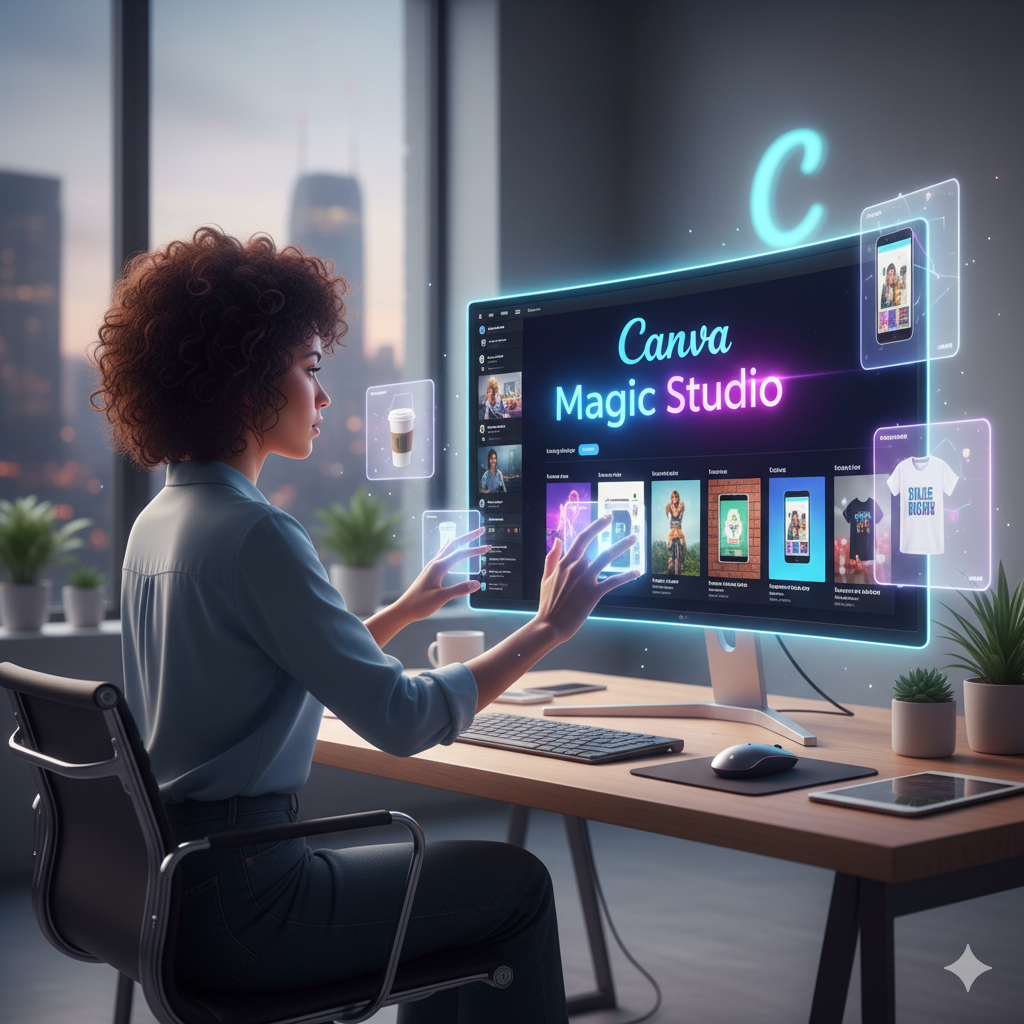
Canva’s Magic Studio now does more than drag-and-drop. In 2026, you can build entire campaign visuals from a single text brief, including social posts, ad banners, and video templates — all AI-personalized.
6. Khroma
Category: Color Palette AI
Khroma uses machine learning to generate unique color combinations based on your personal design taste. In 2026, it syncs with Figma and Photoshop to apply color palettes automatically.
🎨 Perfect for designers who struggle with color balance.
7. Leonardo.Ai
Category: Product Mockups & Game Design
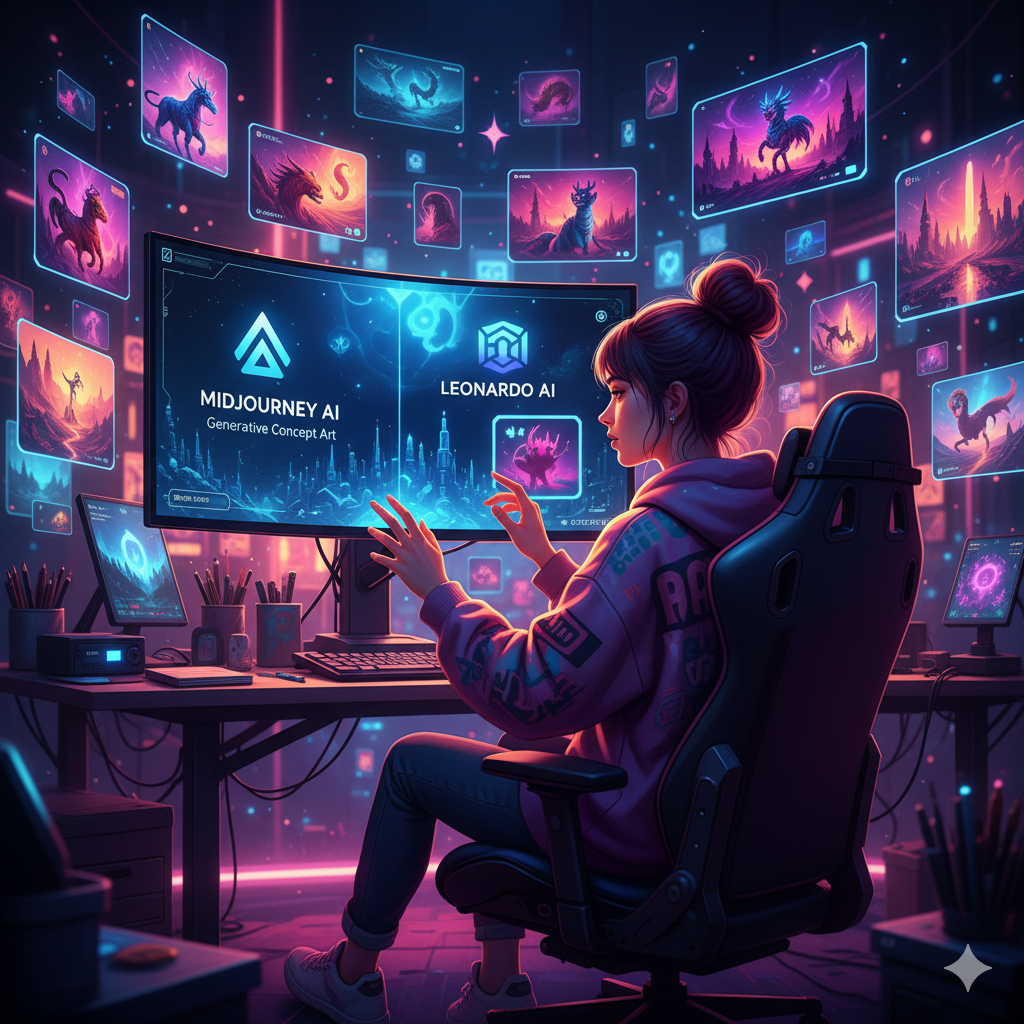
Leonardo has become a go-to for 3D and product designers. It now supports AI-based lighting environments and texture generation, ideal for creating high-quality concept renders in seconds.
8. KREA AI
Category: AI-Powered Image Generation
In 2026, KREA allows designers to create generative assets interactively. You can draw rough shapes, and AI will convert them into refined 3D visuals instantly.
🔗 Try it here: https://www.krea.ai
9. Uizard
Category: UX & App Design Automation
Uizard transforms sketches into UI designs with smart logic and usability optimization. By 2026, its AI engine can even generate user journeys and micro-interactions automatically.
🧠 Best for product designers & startups.
10. ChatGPT + DALL·E Integration
Category: Creative Copy & Visual Combo
ChatGPT’s 2026 creative suite allows designers to generate text + image together. From ad copies to visual layouts — everything syncs seamlessly.
🗣️ Internal link: Check how Dabchickco uses AI in design workflows
Bonus Tool: Notion AI for Designers
Organize, plan, and brainstorm your creative projects with Notion’s 2026 AI update. It auto-generates content briefs, style guides, and project timelines — saving hours of admin work.
🧭 Conclusion
By 2026, design won’t be just about tools — it’ll be about how creatively you use AI. The designers who learn to merge imagination with automation will lead the next creative era.
💬 So which of these tools are you using already? Comment below and let us know how AI is shaping your workflow!
FAQs
Q1: Are AI tools replacing designers in 2026?
No, AI tools enhance creativity — they help designers save time and focus on innovation, not replace them.
Q2: Which AI tool is best for beginners?
Canva Magic Studio and Figma AI are beginner-friendly with minimal learning curves.
Q3: How can I use AI tools for freelance design work?
Use AI tools for faster prototyping, client mockups, and brand campaigns — you’ll deliver faster and earn more.
0 Comments